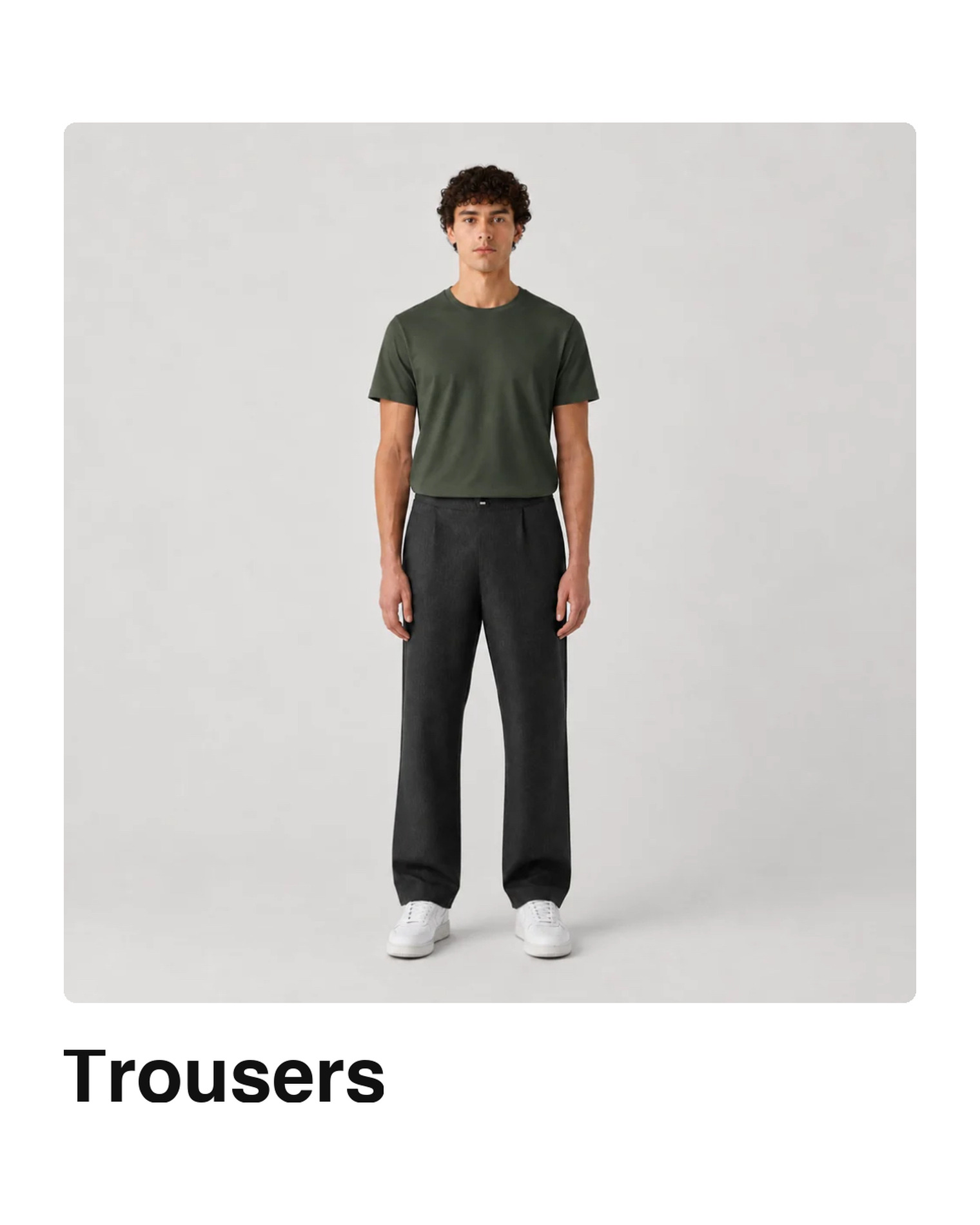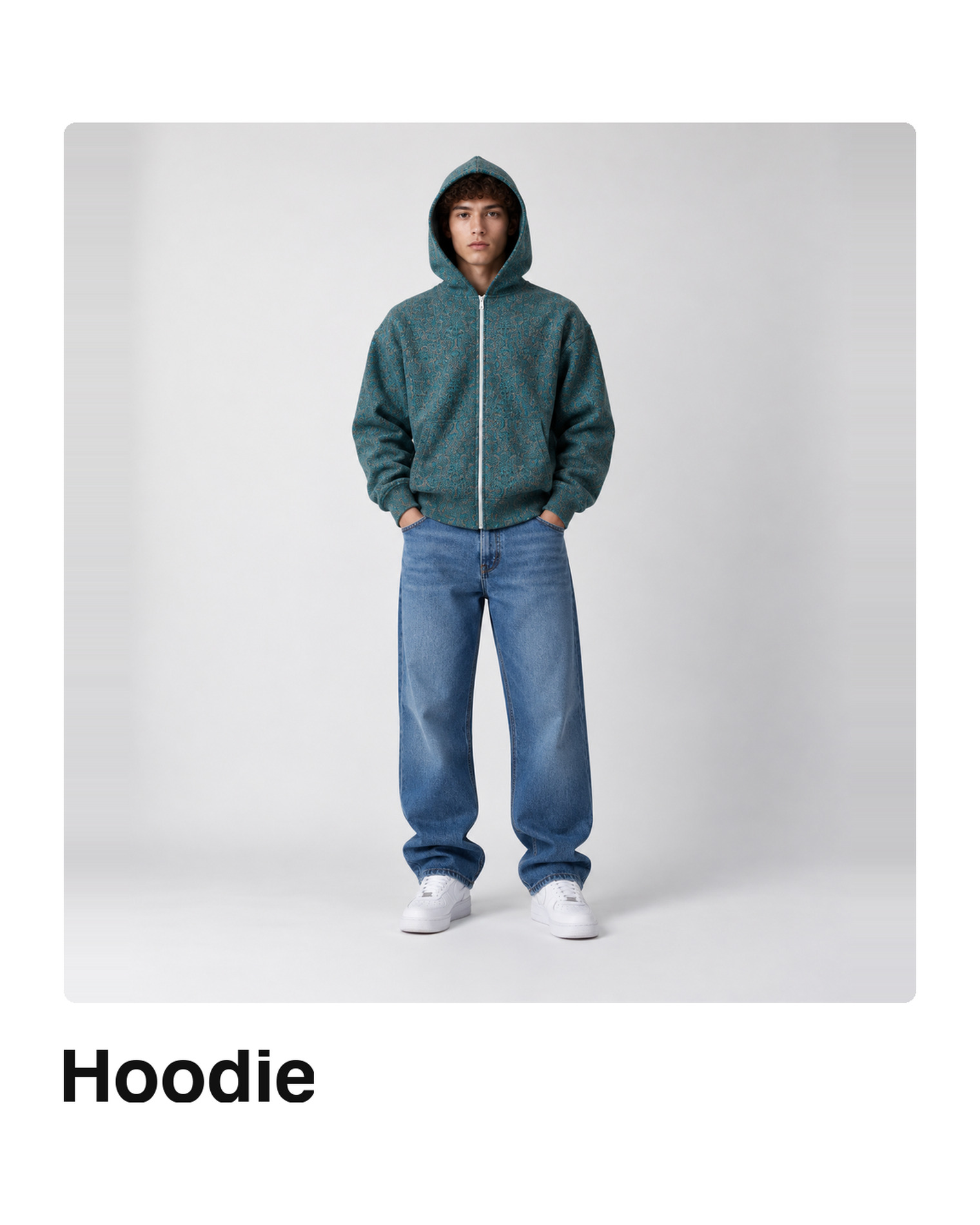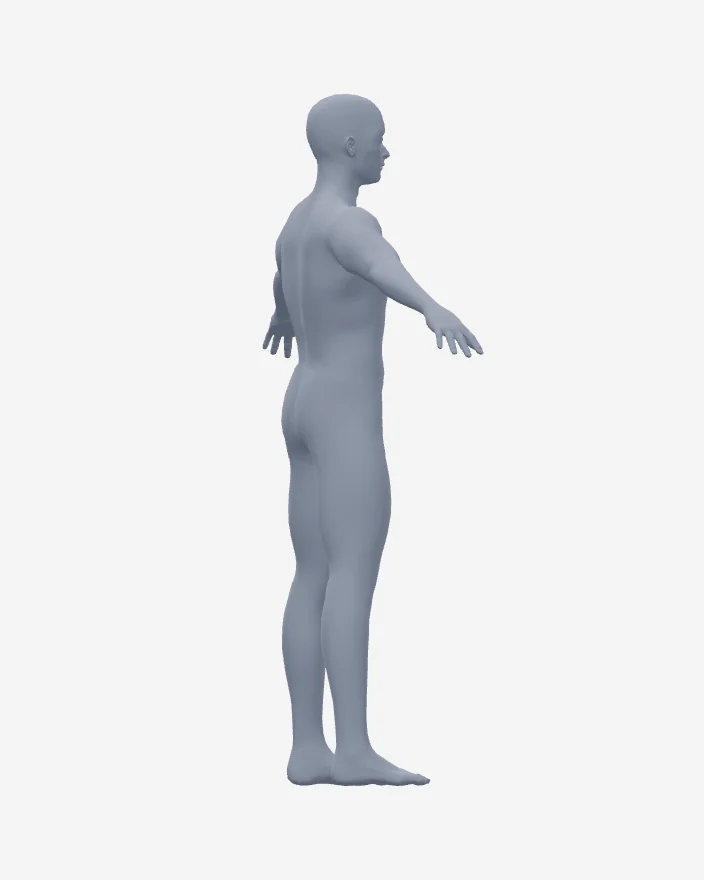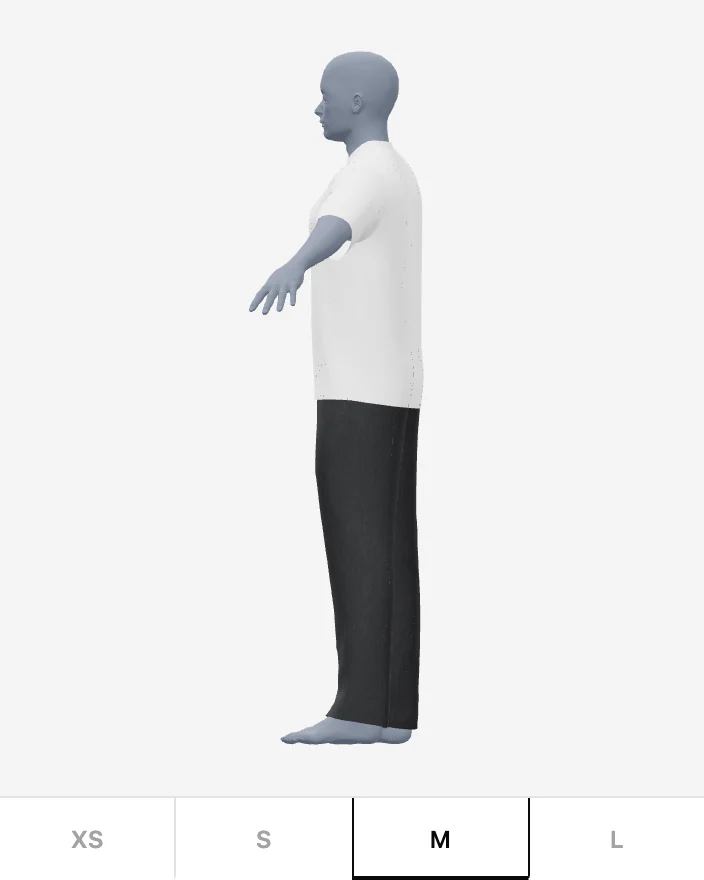
Your customers stop guessing their size.

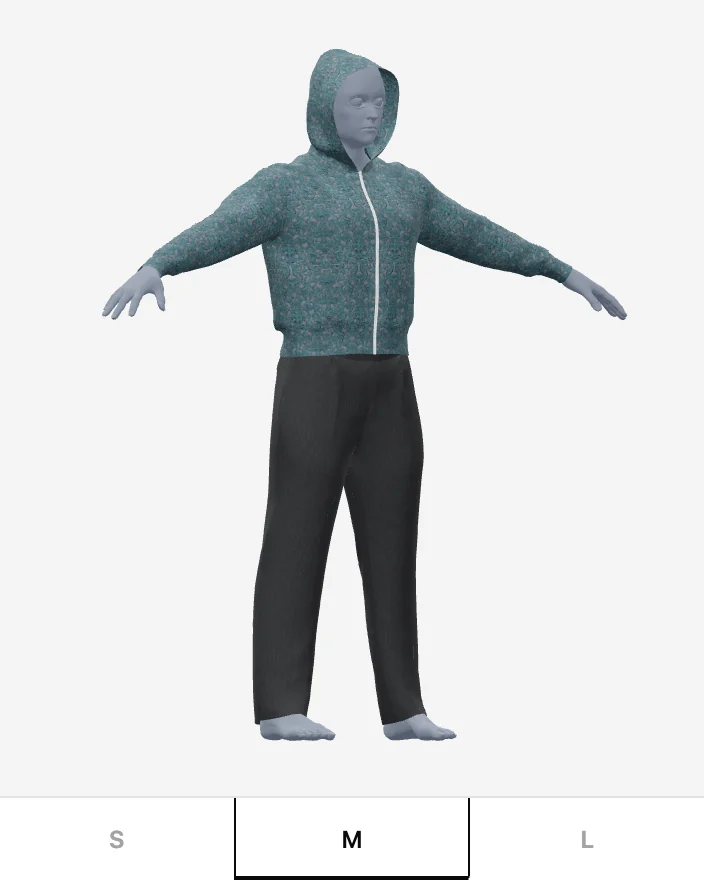
They build their body once, then see how a garment actually falls on it — the real pattern, cut and simulated in their size. Not a photo with a shirt pasted on.

Works on any Shopify store · your customers need no app

Live · turn it

Why this exists

Clothing is returned more than anything else online — and fit is why.

Shoppers cannot tell how a garment will sit on them, so they order two sizes and send one back. Every return costs the shipping, the handling, the restocking, and often the sale.

~25% of apparel bought online is returned — the highest rate of any category. Industry benchmarks, 2026
~53% of clothing returns come down to size and fit, not taste or quality. Apparel returns analysis, 2026
8.7% is the return rate in a physical shop — where people can try things on. Retail comparison, 2026

For your customers

One body. Every garment. No app to install.

The whole thing runs in a panel on your product page. A shopper builds their body once and it follows them to every store using exactli.

1

Pick the closest body

They start from a real 3D body near their own, rather than a blank mannequin — so the first thing they see already looks like a person.

2

Make it theirs

Height, then shape, then real measurements — chest, waist, hips, inseam. Every number is solved against their body, not a size chart.

3

See it on them

The garment drapes on their body in the browser. They turn it, switch sizes, and see where it pulls and where it hangs.


What makes it real

It drapes the actual pattern. Size by size.

Most virtual try-on generates a picture of a garment on a person. That can look convincing and tell a shopper nothing about fit, because nothing was ever fitted. We simulate the cloth your garment is cut from.

Image-based try-on

  • A model or photo with the garment composited onto it
  • One visual, stretched to imply other sizes
  • Looks the same whether it fits or not
  • Cannot tell a shopper the medium is tight across the chest

exactli

  • Your real cutting patterns, one file per size
  • Each size simulated separately — a large is a large, not a scaled medium
  • The fabric's own behaviour: how it falls, clings and gathers
  • Draped on their measurements, so tight looks tight

For stores

You send patterns. We build the garment.

Install the app, send us a product's cutting patterns and its fabric, and we do the rest. You approve the result before anything reaches your storefront.

Install One link. The app appears in your Shopify admin. Minutes
Send patterns One file per size, plus the fabric name. Straight from the app. Yours
We build it Cut, simulated and trained in 3D — every size on its own. Ours
Deploy Preview it on an avatar, then put the try-on button live. One press

Questions

The things worth asking first.

What do you need from us to build a garment?

The cutting patterns — one file per size — and the name of the fabric. Patterns can be whatever your cutting room works in: a DXF, a plot file, or a scan or photograph of the marker. The fabric matters because how a cloth behaves is most of how a garment falls.

Do our customers have to download anything?

No. Everything runs in the browser on your product page, on a phone or a desktop. They build a body once and it follows them to every store using exactli.

What happens to a customer's measurements?

They stay with the shopper. Measurements are kept against their own account so their avatar works across stores, and are never shared with the shops they visit — a store using exactli sees that a garment was tried on, not who tried it or what shape they are.

Does it work with our theme?

Yes. The try-on button is a Shopify app block: you drop it into your product page in the theme editor, wherever you want it, and it takes on your theme's own type and colour.

How long does a garment take?

Each size is cut, simulated and trained separately, so it is real work rather than an upload. You will see it in your admin, on an avatar, before it goes anywhere near your storefront — and nothing goes live until you press deploy.


Let them see it before they buy it.